Frequently Asked Questions
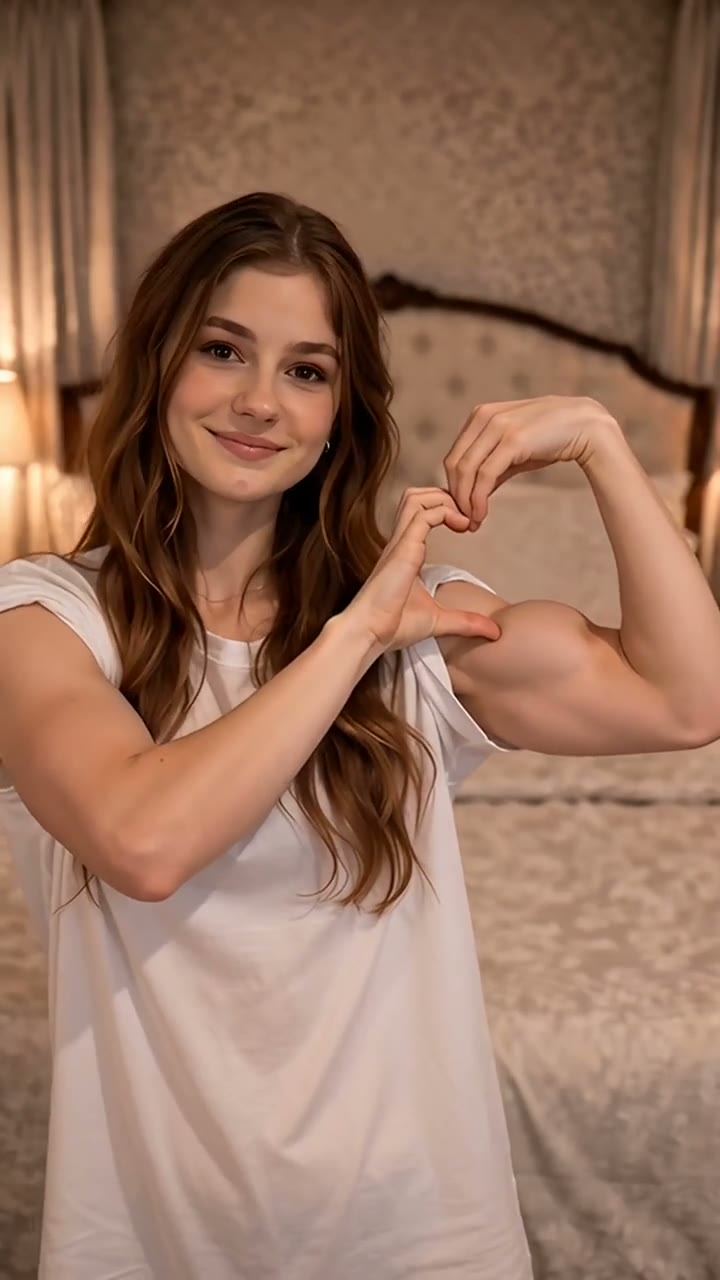
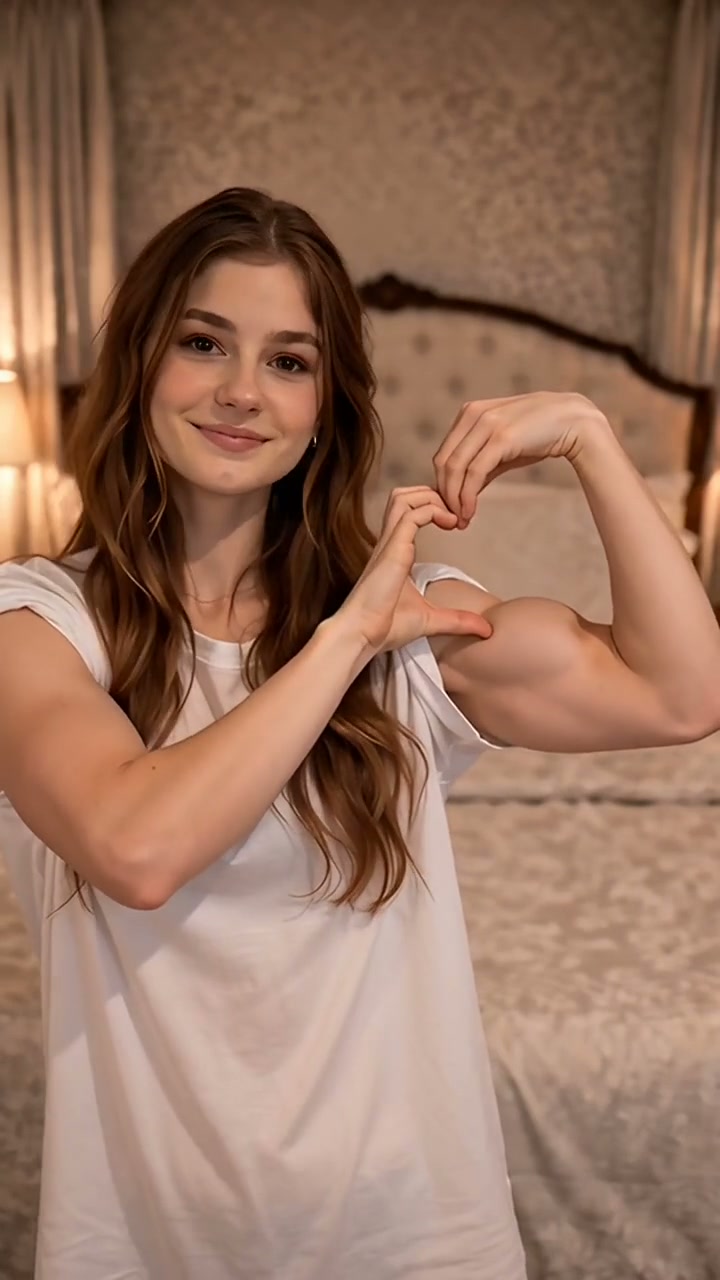
Bicep Heart Video & Duo Trend FAQ
Will AI preserve my original face?
+
Yes. Our face-identity engine maps facial landmarks and preserves your original facial features, skin tone, hairstyle, and expressions throughout the video. In Duo Mode, both your face and your partner's face remain sharp and authentically recognizable.
Will my original clothes remain in the video?
+
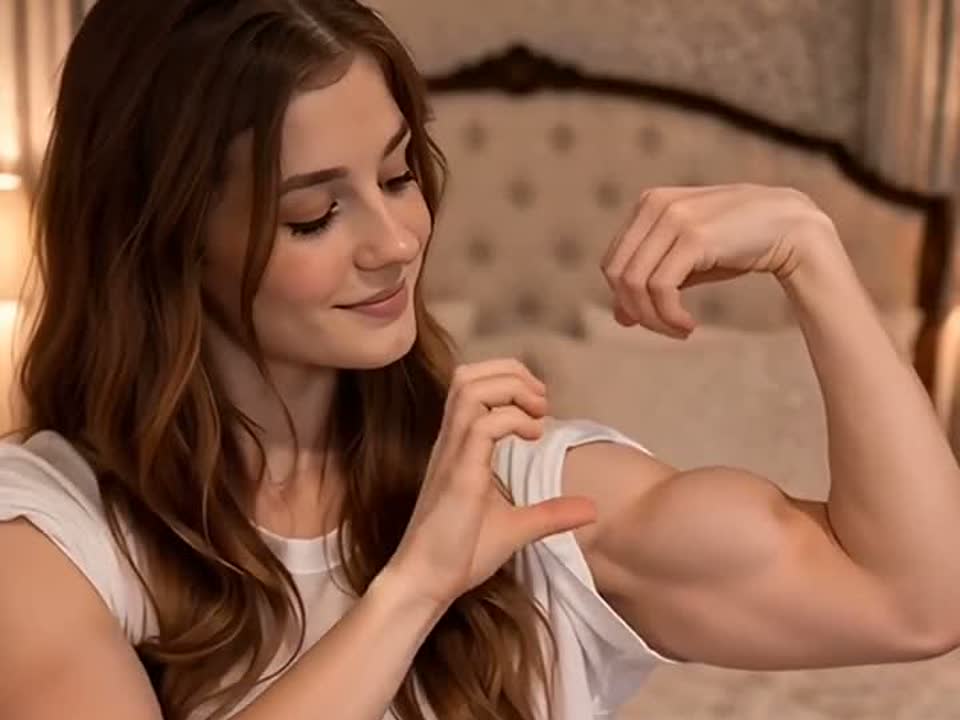
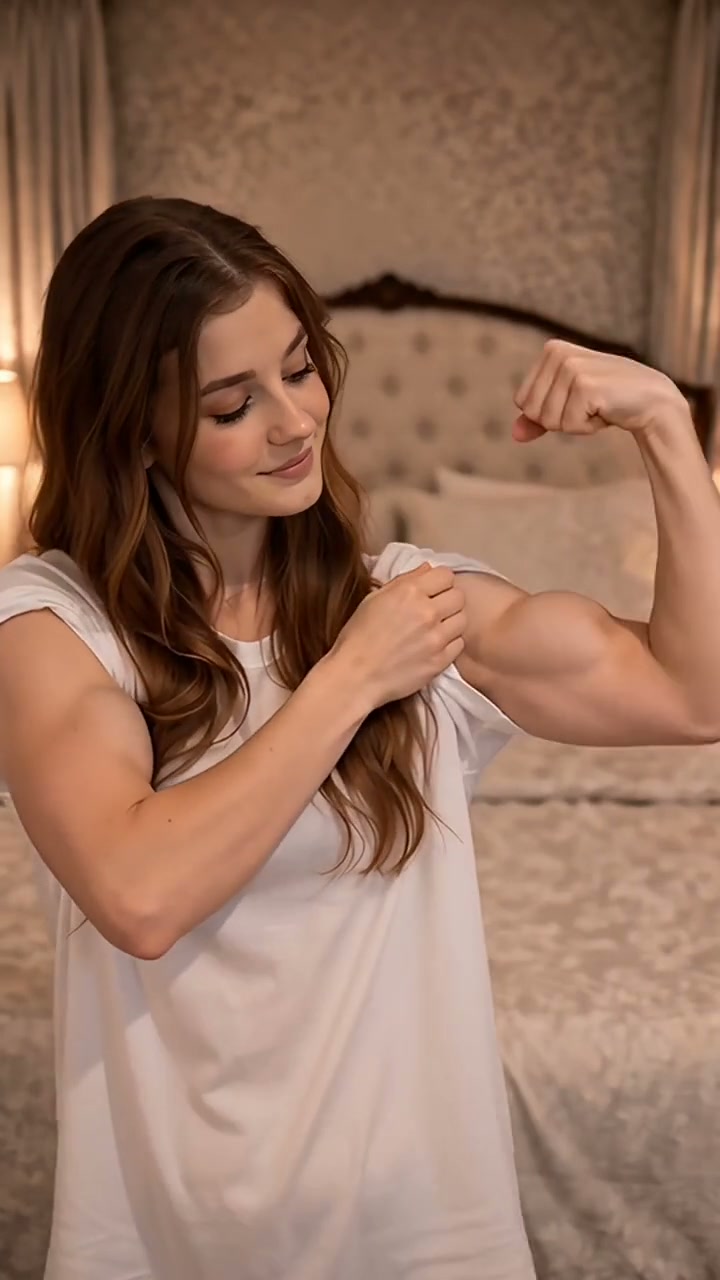
Yes. The AI retains your clothing, sleeve colors, and textures while animating the sleeve roll-up and bicep flex motion. For the cleanest animation with zero fabric clipping, we recommend wearing short sleeves, a tank top, or a fitted shirt.
Can I use a selfie?
+
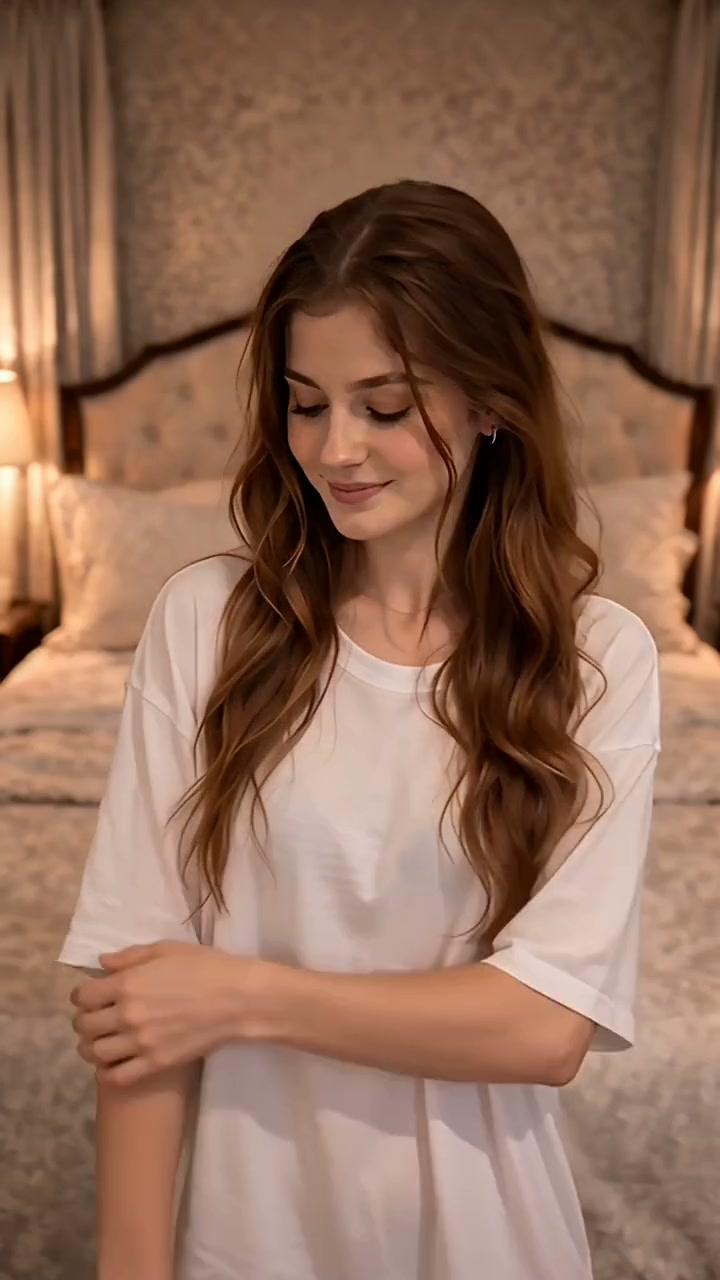
Absolutely. A front-facing waist-up selfie works great. As long as your face is clear and at least one arm is visible, our automated photo checker will validate and prepare it for rendering.
Can I use an old photo?
+
Yes, as long as the photo is clear, well-lit, and not heavily pixelated. Photos from camera rolls, scanned prints, or older smartphones work fine provided the subject is front-facing and at least 320 px on its shortest side.
Does it work with different body types?
+
Yes! You don't need bodybuilder arms or gym definition. The AI synthesizes the natural anatomical flex curve and heart shape regardless of your muscle size. A relaxed, deadpan, or casual flex reads just as clearly as an athletic pose.
Can I generate a video with a different background?
+
By default, our model preserves your original photo's background to maintain authentic realism. If you want a studio or clean aesthetic, upload a photo taken against a simple neutral wall or backdrop.
Can I use a puppy photo?
+
Yes! Puppies and young pets work wonderfully. Upload a well-lit, front-facing photo where your puppy is looking toward the camera. In Duo Mode, your puppy's head is framed directly inside your bicep heart aperture on the beat drop.
Does it work with long-haired dogs?
+
Yes. The model detects animal facial landmarks including eyes, snout, and perked ears, maintaining natural fur texture and fluffiness without awkward distortion or clipping.
Can I use a cat sitting down?
+
Yes. Sitting, lying down, or perched cats all work. A photo of your cat sitting upright looking at the lens creates the cleanest framing inside the bicep heart window.
What if my pet's paws are not visible?
+
In Duo Lockscreen Mode, your pet's paws do not need to be visible—only their face and chest are framed inside your bicep heart. In Solo Pet Mode, the AI can synthesize the final paw-heart gesture even if only the upper chest and head are in the source photo.
Can I make a two-person or couple bicep heart trend video?
+
Yes! Select Duo Lockscreen mode at the top of the generator, or head to our specialized
couples bicep heart video generator for romantic dual framing. Upload two photos: Slot 1 is the foreground flexer who steps forward to sculpt the bicep heart frame, and Slot 2 is the partner, bestie, or pet centered inside the heart window on the 3.8s beat drop. It renders a 6.3-second viral video with synced audio for 1 credit.
How does the Duo Lockscreen Mode work with pets?
+
Upload your photo into Slot 1 (foreground flexer) and your dog or cat photo into Slot 2, or use our dedicated
AI pet bicep heart video generator for specialized animal tracking. Our motion retargeting positions your pet centered in the midground, framing their face and perked ears directly inside your bicep heart. It preserves genuine animal anatomy with zero weird humanoid distortion.
Do I need a subscription?
+
No. There are zero subscriptions, monthly fees, or recurring charges. You pay once for the credits you need and use them whenever you like.
Can I buy only one video?
+
Yes. You can generate a single video for .99 with no ongoing commitment. If you want to try multiple versions (e.g. Solo + Duo, or couple + pet), the 3-pack brings the cost down to .63 per video.
Do credits expire?
+
No, purchased credits never expire. They stay in your account balance until you choose to render your videos.
What happens if generation fails?
+
If a render encounters a server timeout, capacity spike, or technical error, your credit is immediately and automatically refunded to your balance. You never lose a credit on a failed render.
Can I get a refund?
+
Yes. If you have unused credits from your first pack purchase, you can request a full refund within 7 days, no questions asked.
How long are uploaded photos stored?
+
Uploaded photos, intermediate media, and rendered MP4 videos are normally deleted after 24 hours. Account, order, and payment records may remain longer when needed. Download your video after it finishes rendering.
Are my photos used to train AI?
+
No, never. Your photos are strictly used in a private, sandboxed GPU session to generate your specific video and are never added to training datasets or shared with third parties.
Can I upload someone else's photo?
+
You must have the consent or permission of anyone whose photo you upload. We prohibit uploading non-consensual imagery, public figures without authorization, or infringing content under our Responsible Use policy.
Can I delete my generated video?
+
Yes. You can delete your video from your 'My Creations' dashboard immediately after downloading it, or let our automated 24-hour privacy scrubber remove it permanently.
Does the video have the original bicep heart trend sound?
+
Yes. The original viral TikTok beat-drop sound is pre-mixed into the file and synced to the flex movements. It is licensed for personal meme posts on TikTok, Instagram Reels, and YouTube Shorts.
Can I post my bicep heart trend video without a watermark?
+
Yes. Every generated video downloads with zero watermarks, in crisp 720p 9:16 vertical MP4 format, completely ready for TikTok, Instagram Reels, or iPhone Live Photo lockscreens.